AI Content Suggestions
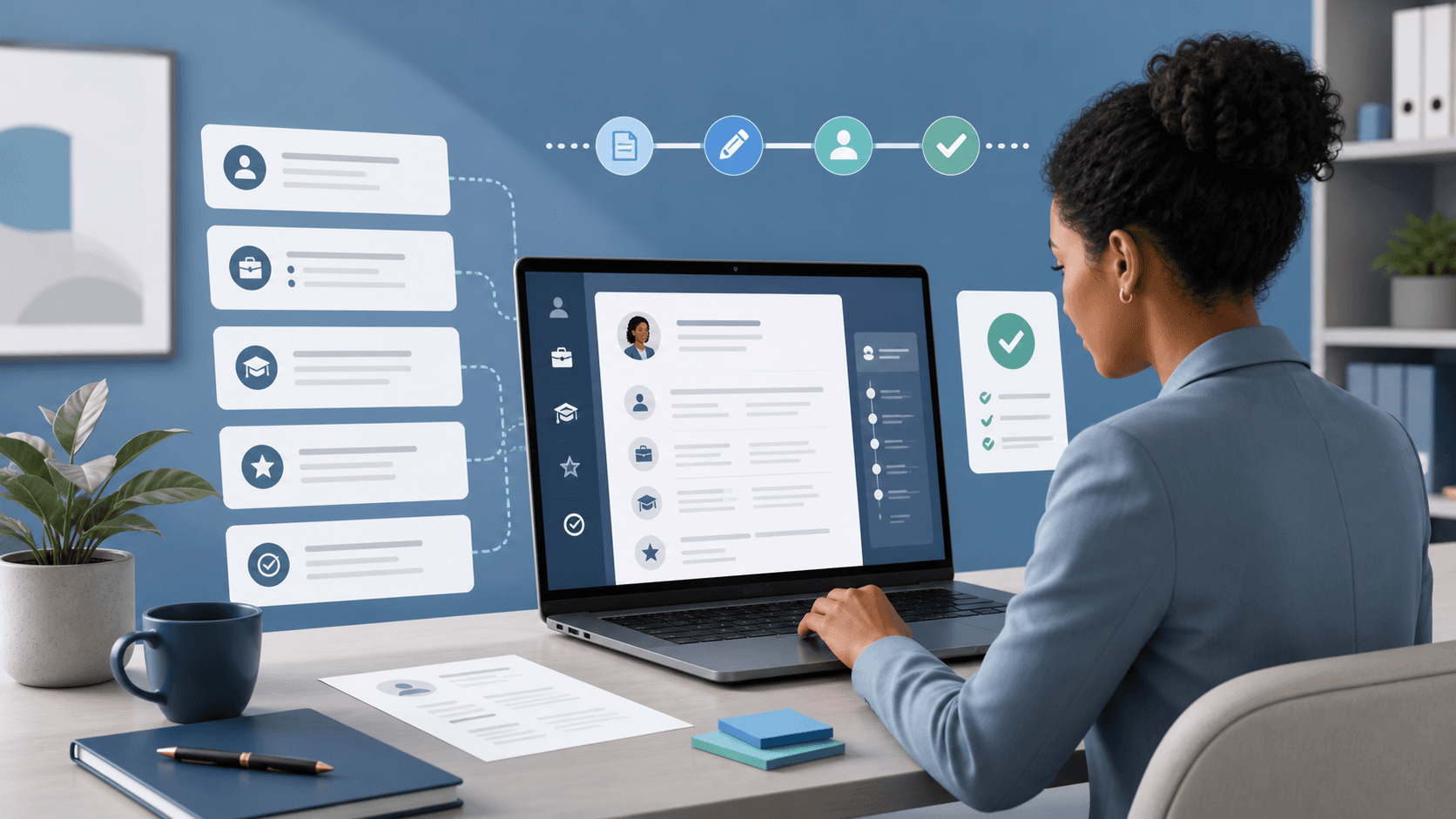
Get personalized content suggestions powered by AI to highlight your strengths.
Use our online curriculum vitae maker to create an ATS-friendly CV that gets noticed. Improve your content, choose a professional template, and prepare a document tailored to your next role.
Results-driven Senior Marketing Manager with 6+ years of experience in digital marketing, brand strategy, SEO, and team leadership. Proven track record of driving growth, increasing brand visibility, and delivering measurable results through data-driven campaigns and innovative marketing strategies.
• Led a team of 8 marketers to execute integrated digital campaigns that increased website traffic by 78% and generated £2.4M in revenue.
• Developed and implemented SEO strategies that improved organic traffic by 65% within 12 months.
• Planned and executed digital marketing strategies that increased lead generation by 52%.
• Managed content strategy, email marketing, and social media campaigns.
Powerful tools, beautifully simple.
Get personalized content suggestions powered by AI to highlight your strengths.
Choose from modern, professional templates designed to impress recruiters.
Generate professional cover letters in seconds that perfectly match your CV.
Edit fonts, colors, spacing and sections with our intuitive controls.
Export your CV in high-quality PDF or Word format with one click.
ATS-friendly formatting ensures your CV passes scanners and gets noticed.
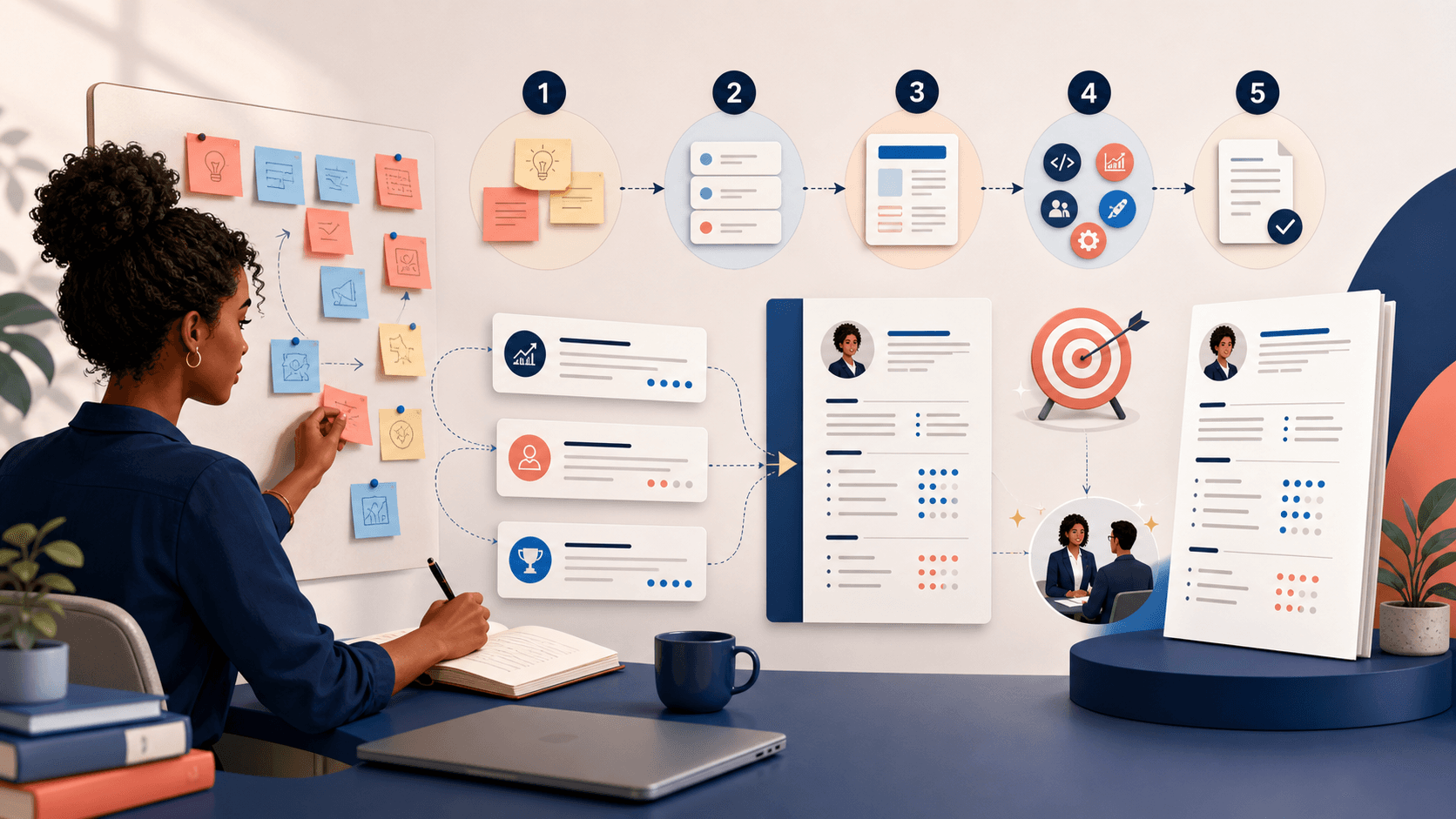
Choose a design and make it your own.
Pick a professional template that best suits your style and industry.
Add your information and get AI suggestions to create powerful content.
Download your CV in PDF or Word and start applying with confidence.
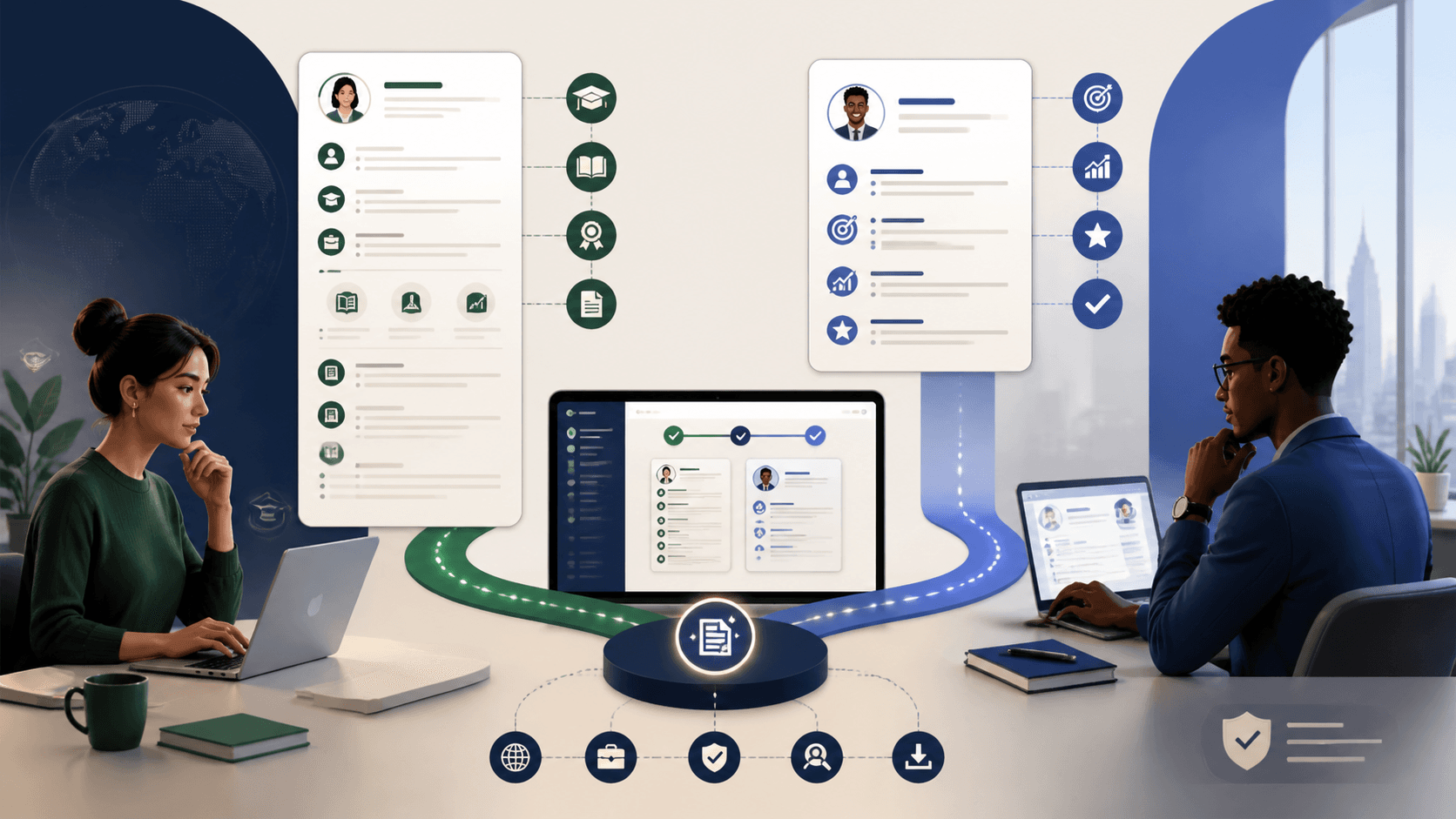
Three practical outcomes to look for in your final document.
Replace a list of routine duties with specific evidence showing action, method, scope, and a credible outcome.
Use the target role to bring relevant tools, decisions, and recent examples forward without changing the truth.
Keep recognizable sections, selectable text, readable hierarchy, and a clean exported file for both people and systems.
Start free. Upgrade when you are ready.
30-Day Money-Back Guarantee. Cancel anytime.
Use our curriculum vitae maker to organize your details, improve your opening and prepare a readable document. These four steps help you decide what belongs on the page.
Collect your job titles, dates, qualifications and examples of work you are proud of. For each example, note what you did, how you did it and what changed. Students can draw on placements, coursework, volunteering and part-time work. Experienced applicants can give recent, relevant work more space and shorten older responsibilities.
Your opening should tell a recruiter what you do and which experience matters for this application. Replace the sample text with your background, optionally paste a job description and choose a tone. Request a summary, then edit, apply or discard the suggestion. A job advert describes what an employer wants; it does not establish that you already have those skills.
Make your name, contact details, experience and education easy to find. Use recognizable headings, consistent date formats and space between entries. Applicant tracking systems vary: no universal score can tell you whether an employer will shortlist you. Follow the requested file format, keep essential information as selectable text and use relevant terminology naturally.
Proofread names, dates, qualifications and links separately from the writing. Read the opening against the job description and confirm that your experience supports it. Use Download PDF to open the browser print dialog and select Save as PDF. Check paper size, margins and page breaks, and turn off browser headers and footers. Open the saved file and test text selection before attaching it to an application.
It is an editor for organizing professional details, writing your CV and preparing a document for employers. This builder combines a live preview, visual styles and an optional AI summary assistant.
Yes. Edit the Professional Summary field directly. AI suggestions only replace your existing summary when you apply them.
The assistant drafts your professional summary from the background you provide. It does not verify your career or automatically create employment and education records.
Save Draft stores your details in this browser. It is not a cloud backup or cross-device sync. Keep a separate copy of important information before clearing browser storage.
The names often refer to the same job application document. In academic and research settings, a CV can include a longer record of publications, teaching and qualifications. Follow the employer’s instructions.
Turn accurate career evidence into a focused document you are confident reviewing and sending.